
PDF Toolkit
A browser-based suite for merging, splitting, organising, converting, and compressing PDFs, where the files never leave your device.
Next.js 16
React 19
Tailwind CSS 4
pdf-lib
PDF.js
Ghostscript (WASM)
dnd-kit
JSZip
Overview
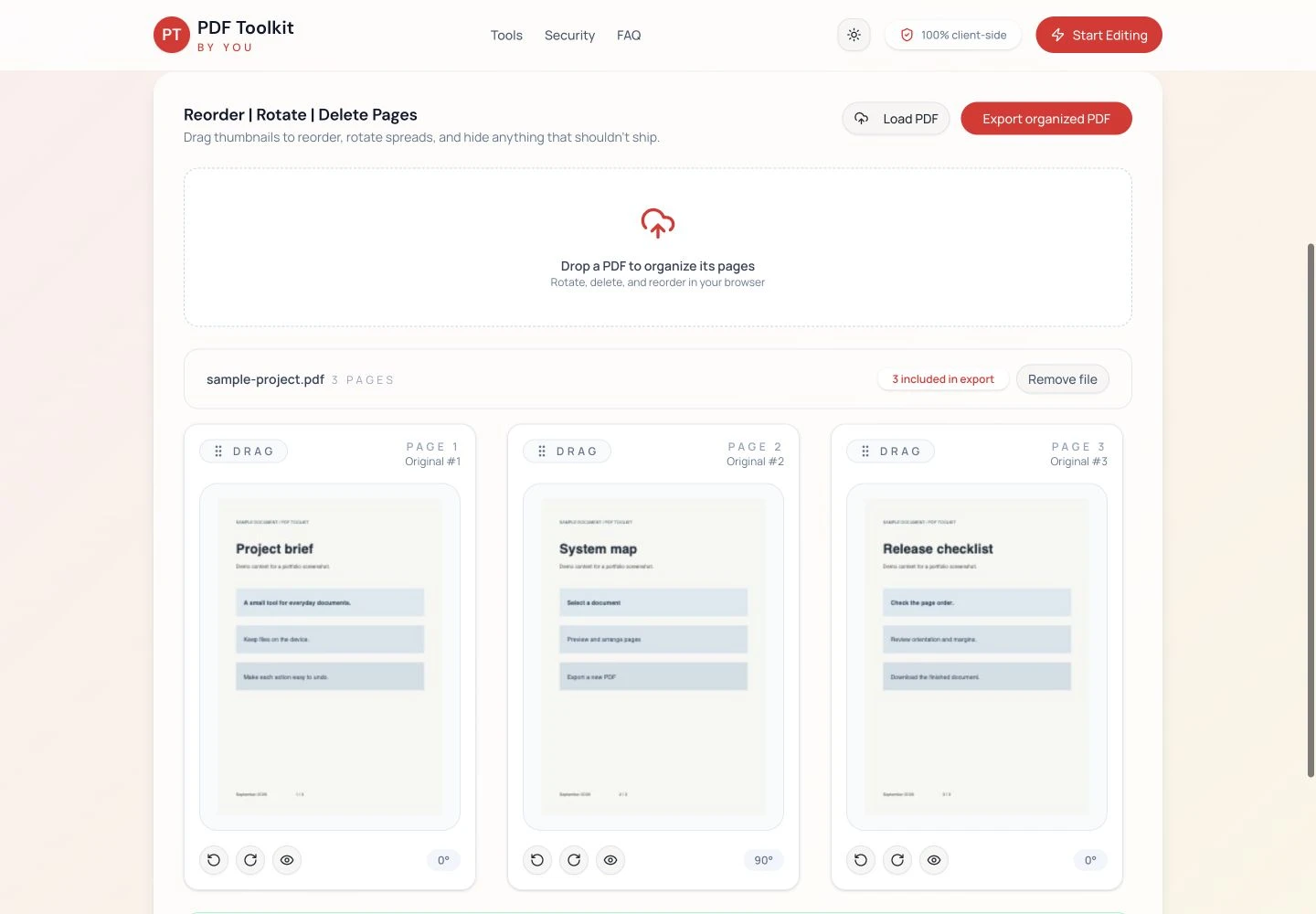
PDF Toolkit is a client-side answer to tools like iLovePDF. It handles the everyday PDF jobs people reach for, including combining files, pulling out pages, reordering and rotating, converting to and from images, and compressing, and it does all of it inside the browser. Nothing gets uploaded. The marketing site and tool catalogue sit in front of a set of live workspaces, each one a self-contained tool.
The Problem
The popular online PDF tools all work the same way. You upload your document to a server, it gets processed, and you download the result. For a quick image conversion that's fine. For a signed contract, an ID scan, a medical form, or a financial statement, it means handing a sensitive file to a third party and trusting their retention policy. There was a clear gap for a tool that does the same jobs but keeps every file on the user's own machine.
My Role & Approach
I built the whole product: the marketing site, the tool catalogue, and every working tool. The core decision was architectural. Do all the actual PDF work in the browser. That choice drove everything else, because client-side processing meant no servers to run, no per-file cost, and a privacy guarantee I could state plainly: your files are never sent anywhere.
Tech Stack
Key Features
Gallery
Challenges & Solutions
The hard part of "no server" is that the browser has to do everything a server normally would. I split the work across two engines. pdf-lib handles structural edits where the document's internals get rewritten, and PDF.js handles rendering whenever a page needs to be shown or turned into an image.
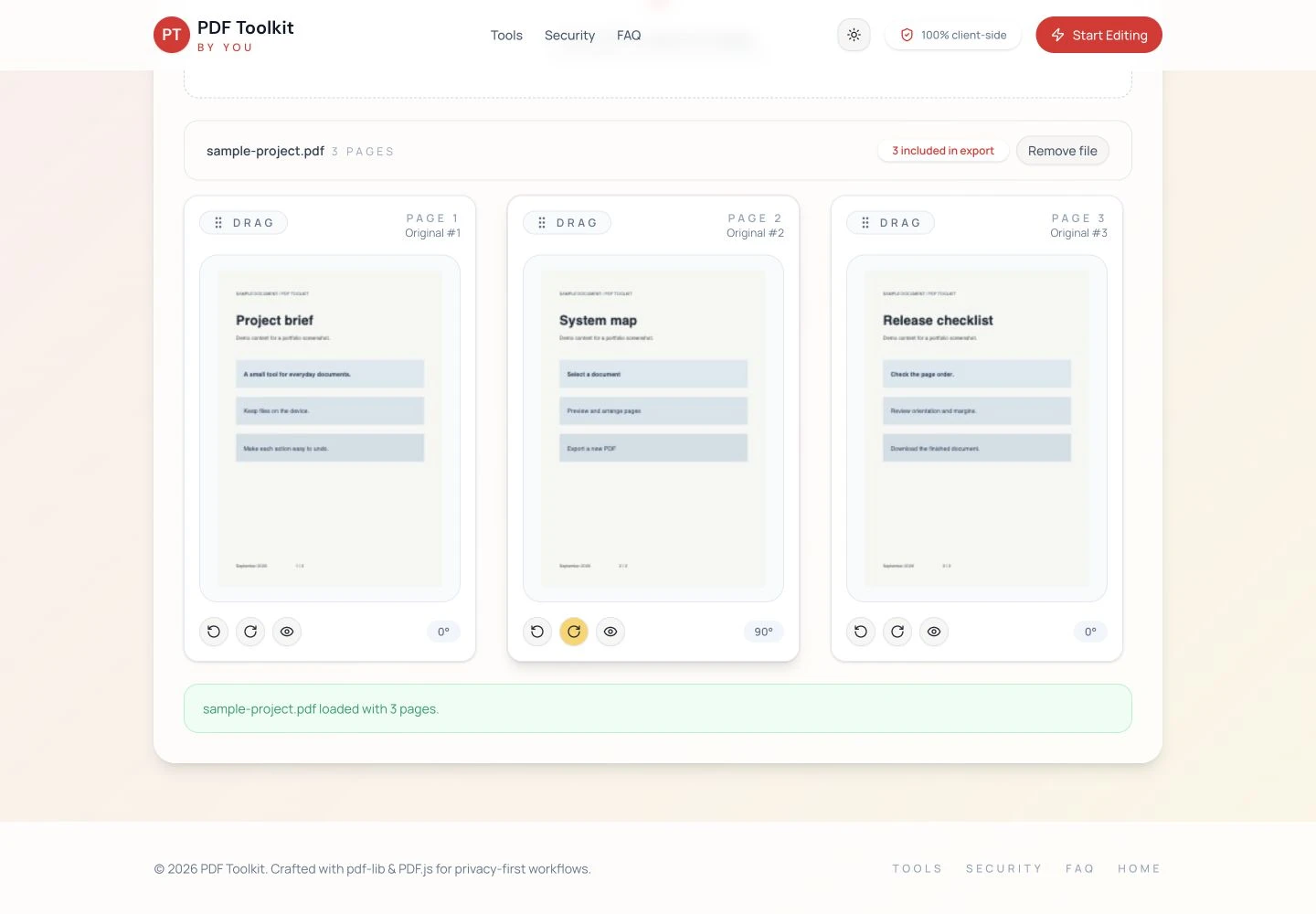
Compression was the standout problem. Real PDF compression usually depends on Ghostscript, a heavyweight native tool that lives on a server. To keep the privacy promise intact, I used a WebAssembly build of Ghostscript so that same engine runs locally in the browser. The compression is real, and still nothing gets uploaded. Reordering pages and files needed to feel physical rather than fiddly, so I used dnd-kit for smooth drag-and-drop, and I bundled multi-image exports into a single ZIP with JSZip instead of firing off a dozen downloads.
Outcome
The result is a complete, iLovePDF-style toolkit that runs with no backend, no file storage, and no hosting cost beyond static delivery, while offering something the incumbents can't: a credible guarantee that documents never leave the device. It's a genuinely useful tool, and it shows how much heavy lifting modern browsers can take on.
Have a similar product problem?
Share the current product, the outcome you need, and the constraints already in the way. I will use that to define a sensible first milestone.
Web application development services